X-rays
CR and digital DX radiography in For Presentation format. Window adjustment, magnification and measurement tools.
 NEXORACustomer portal ↗
NEXORA VIEWER
View DICOM images in a Windows app. Manage your license and get support in one place.
SUPPORTED STUDIES AND VIEWER FEATURES
From tomography and MRI to X-ray and ultrasound. Below we describe image and document support in the current Desktop 1.7.0 release.
CR and digital DX radiography in For Presentation format. Window adjustment, magnification and measurement tools.
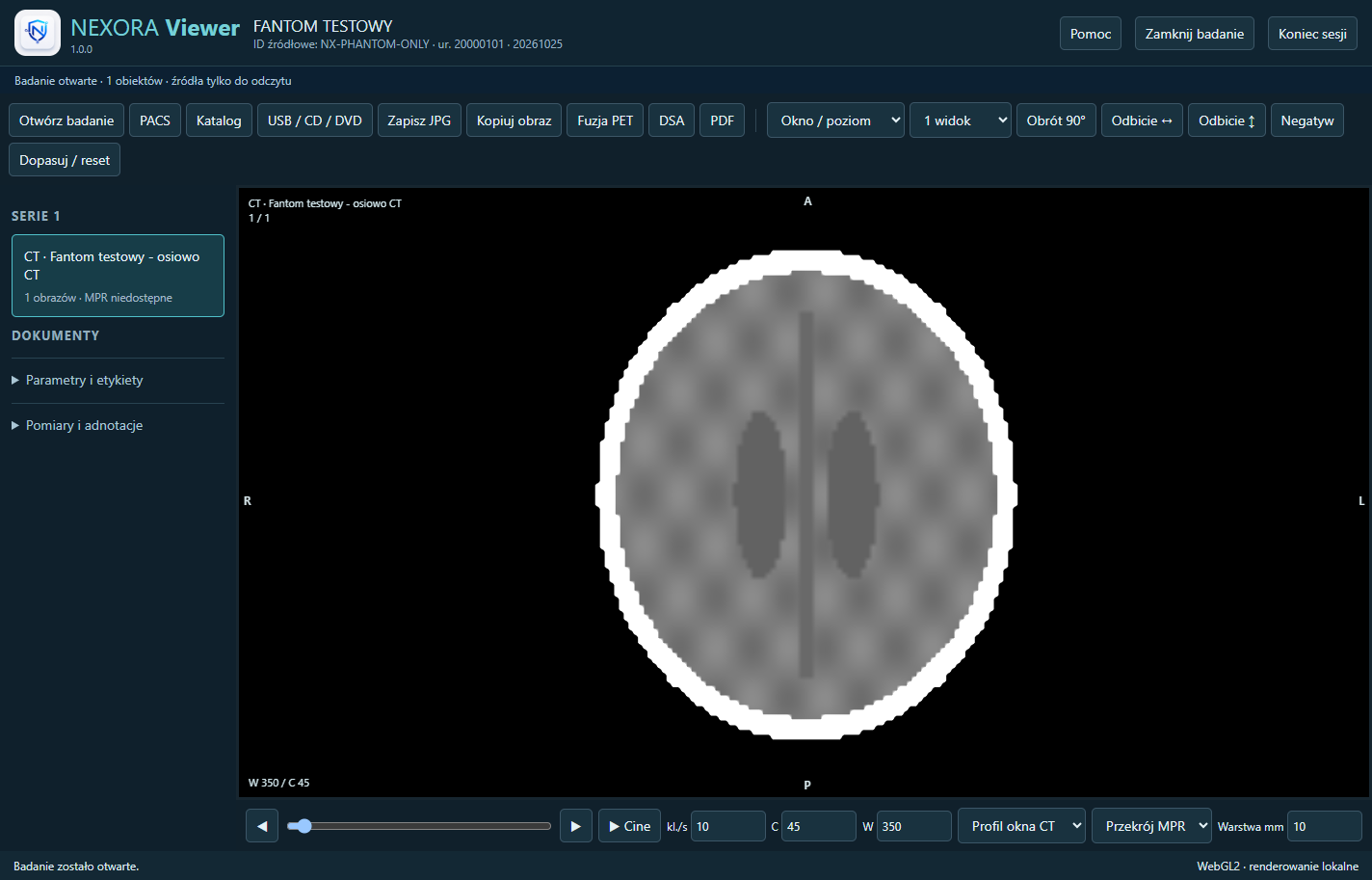
Viewing classic CT series layers. Multiplanar MPR reconstructions and 3D view are available for compliant, regular volumes.
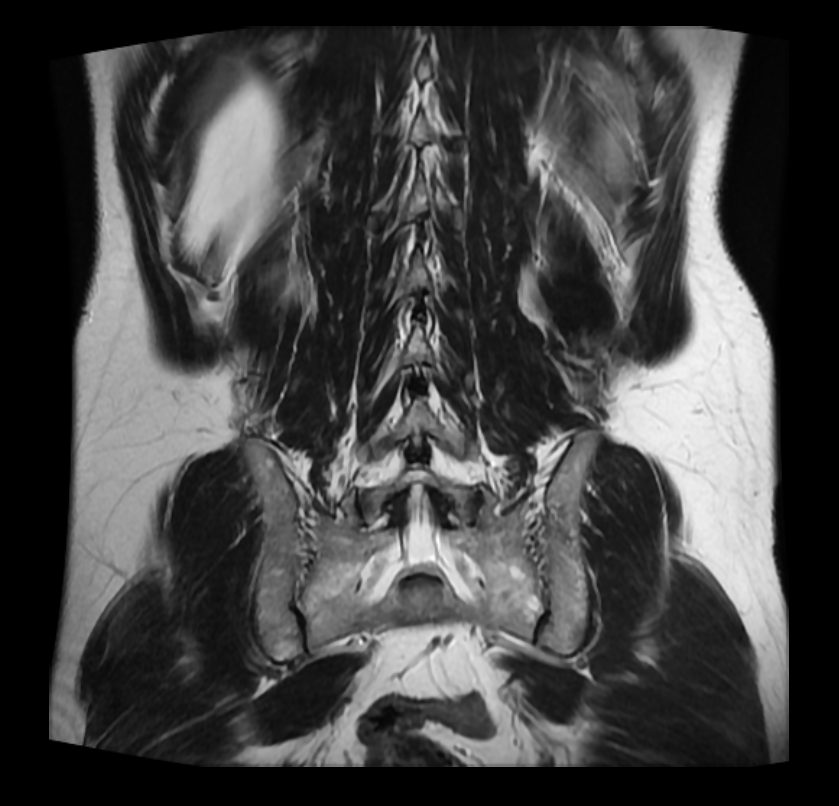
Reading classic MR series, selecting series and comparing images. MPR and 3D require compatible data geometry.
US images and compatible US Multi-frame objects. Rewind and play frames stored in a DICOM object.
Viewing PET Image Storage images in 2D. Basic image reading does not include quantitative SUV analysis.
XA angiographic and RF fluoroscopic images, including compatible multi-frame sequences.
Secondary images saved in the classic Secondary Capture class, e.g. camera snapshots.
PDF files and PDF documents embedded in DICOM. Navigate between document pages.
Text-based presentation of supported Basic Text, Enhanced and Comprehensive SR content. Without clinical interpretation and verification of report signatures.
Window and level, zoom, pan, rotate and reflect. Measurements, annotations and arrows with descriptions. Layouts of 1, 2, 4, 8 and 16 images. The next windows show the next series; when they are gone, they remain empty. In the settings you will select visible tools.
Open studies side by side and synchronize compatible 2D views. Slice linking depends on geometry and frame of reference; it is not anatomical registration.
PACS search, series selection and background download via C-GET or C-MOVE. Open compatible files from local folders and media. Manage downloaded copies.
Reading depends on the class of the DICOM object, the method of saving pixels, geometry and computer memory. The description or designation of a study modality alone does not guarantee compliance. MPR and 3D refer to compatible regular CT/MR series; with incompatible geometry, a supported 2D view remains available.
Release 1.7.0 does not support MG mammography and tomosynthesis, NM/SPECT, Enhanced CT/MR, ECG/waveform recordings, RT radiotherapy objects, or DICOM SEG segmentation. We do not declare support for every DICOM compression format.
YOUR ENVIRONMENT
Individual installation license. First year: 149 PLN including tax; subsequent years: 199 PLN including tax.
≈ 33.92 EUR · 37.89 USD≈ 45.30 EUR · 50.61 USDExplore Desktop ↗Publishing studies on CDs in your own entity. The patient retains the reading of the issued study indefinitely.
Distribution on media ↗Tickets, support replies and correspondence history are available after signing in.
Open Service Desk ↗Check the validity of the license, generate an activation code, report the need for a new license or contact support.
Go to your account →